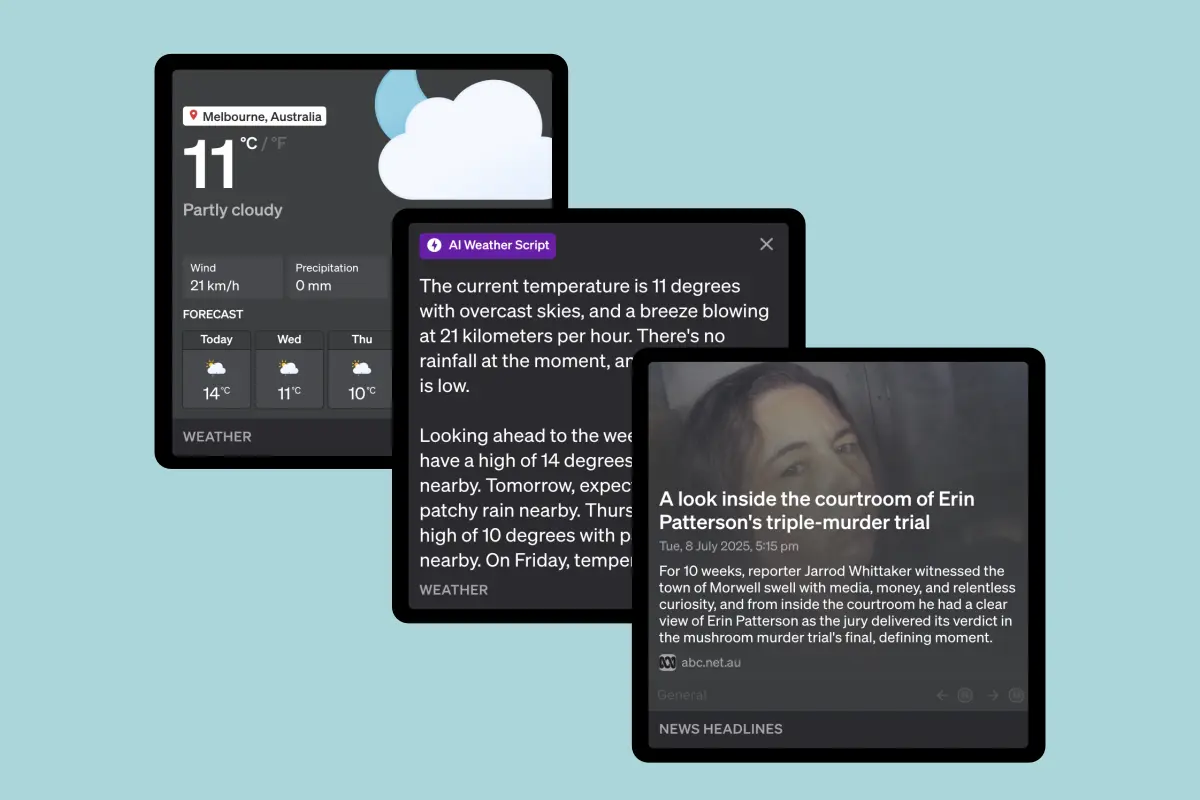
Access local news headlines, traffic reports in your area and weather forecasts for the week ahead.
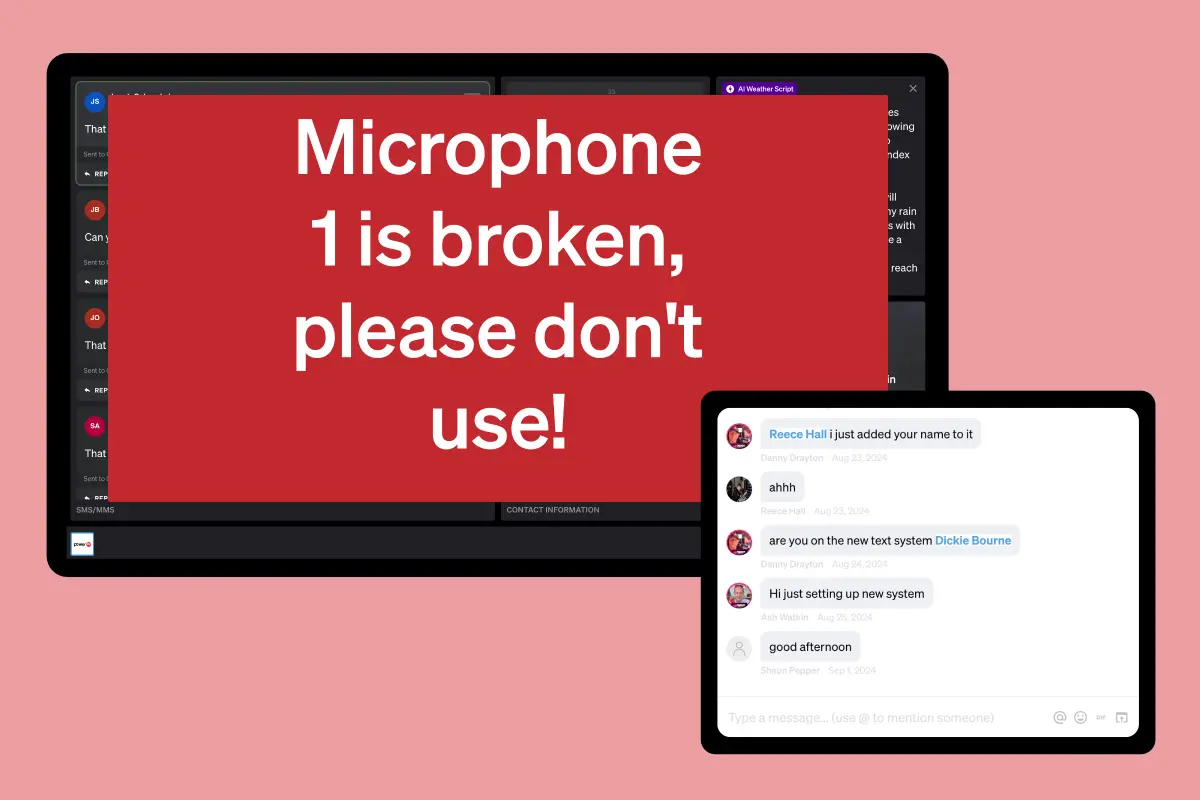
Converse with the team using the live station internal chat, post notices for all to read on the noticeboard, or get presenters attention whilst on-air with alerts.
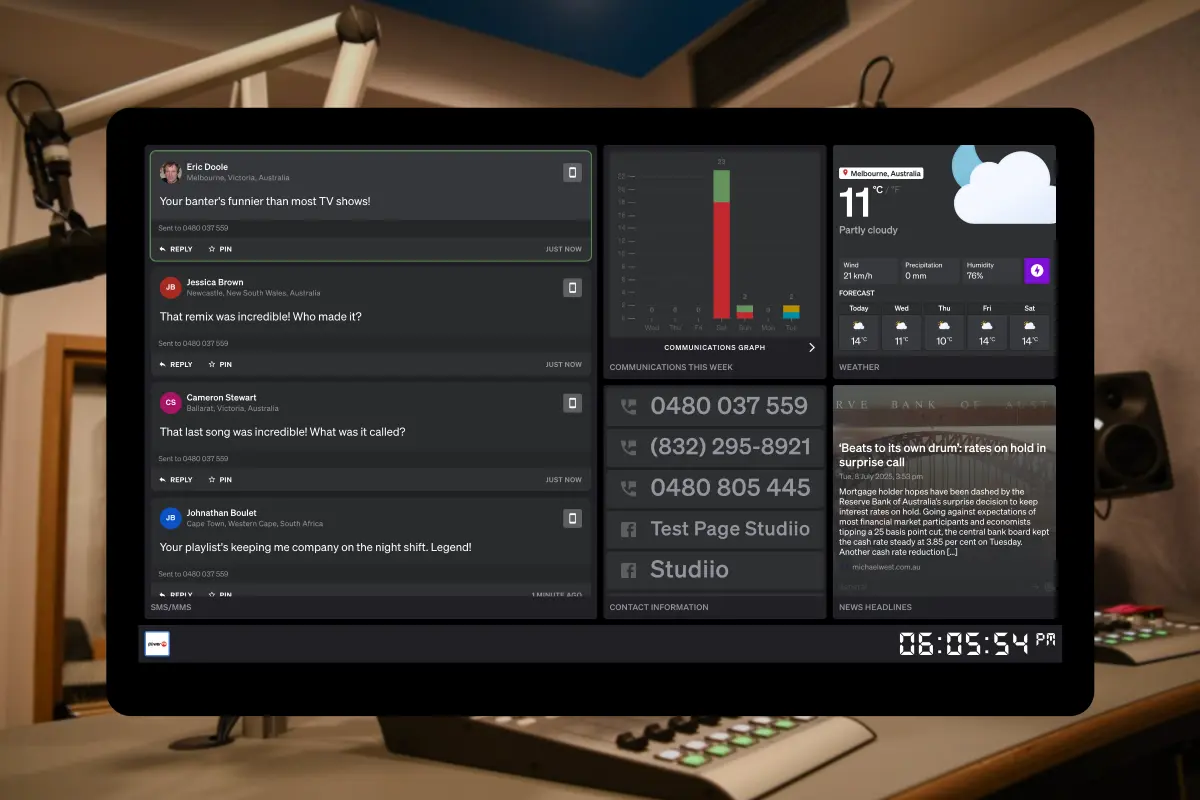
Empower your presenters with a customizable dashboard designed for real-time audience interaction. Turn listener messages into compelling on-air content.
Get StartedCan't find the answer here? Contact us.
You can create unlimited Studio Panels! Set up different layouts for different shows, presenters, or studio locations - whatever works best for your workflow.
Yes! Multiple team members can access the same Studio Panel simultaneously. Use role-based permissions to control what each person can see and do, ensuring producers, presenters, and staff have appropriate access levels.
No installation required! Studio Panels are web-based, so you can access them from any device with an internet connection using your preferred web browser. Perfect for remote broadcasts or multi-location setups.
Absolutely! Each Studio Panel can have its own custom layout with different blocks, themes, and configurations.
Yes, Studio Panels are included in all plans! Create unlimited panels with full customization options, real-time updates, and all available blocks.
Studio Panels include offline mode functionality, so you can continue viewing cached messages and dashboard content even with unstable connectivity. Everything syncs automatically when your connection returns.
Yes! Studio Panels are optimized for touchscreens and tablets with intuitive gestures and touch-friendly controls. They work seamlessly on studio touchscreen setups, iPads, and other touch devices.