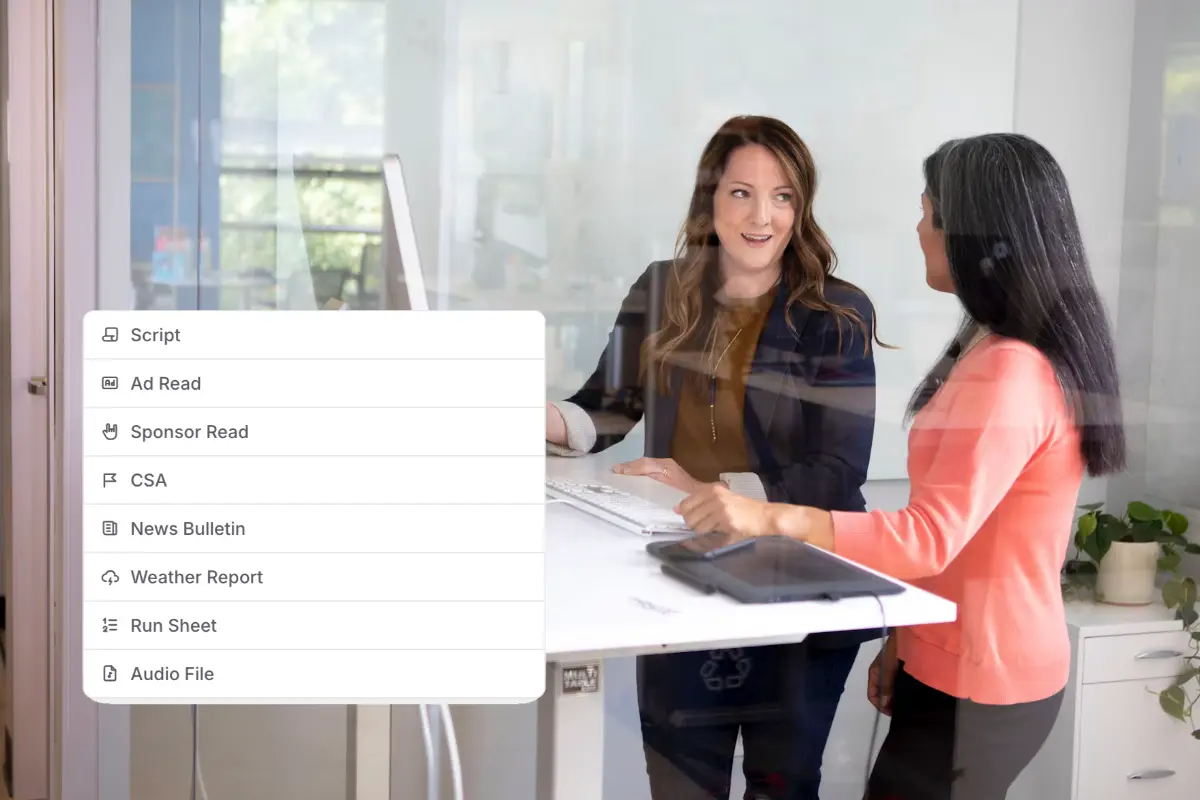
Your whole team can view and edit scripts simultaneously. Changes appear instantly for everyone — no version conflicts, no emailed attachments.
Build segment-by-segment run sheets with start times, durations, and links to scripts and audio so every show runs exactly as planned.
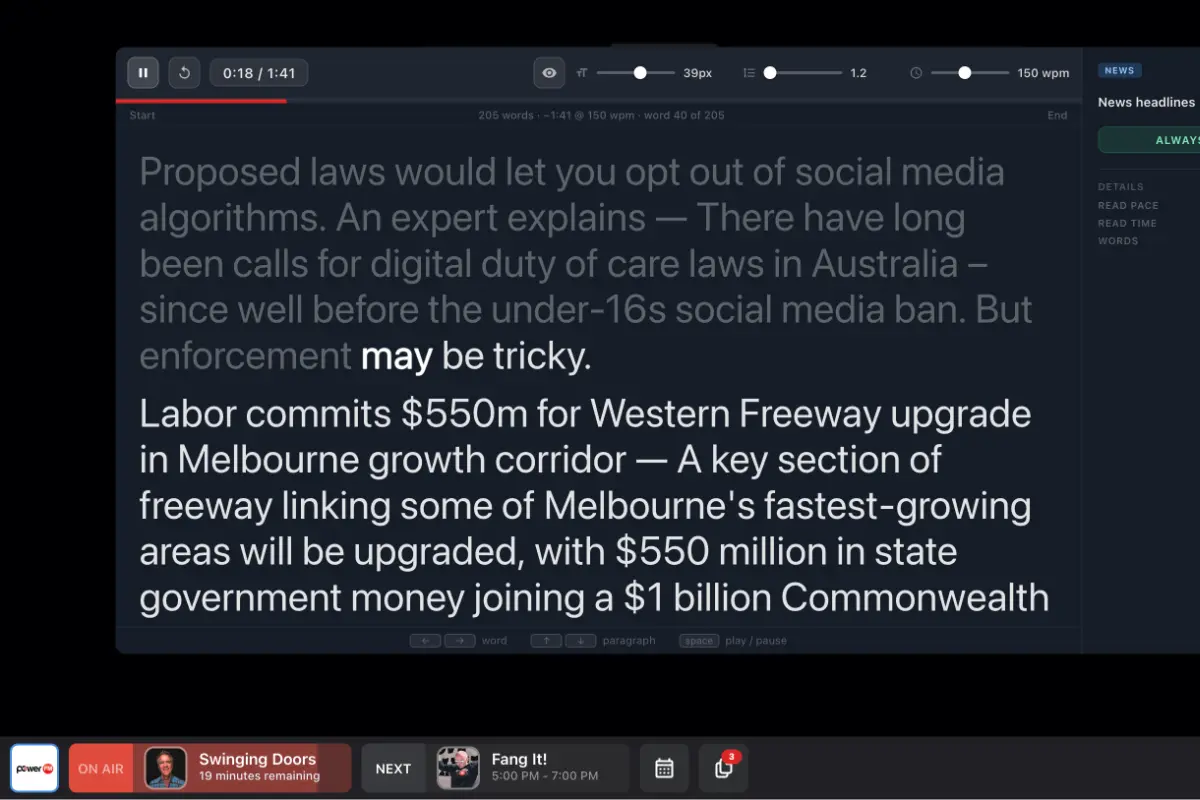
A teleprompter built into the Studio Panel: word-by-word highlighting, auto-scroll, adjustable font size and reading speed.
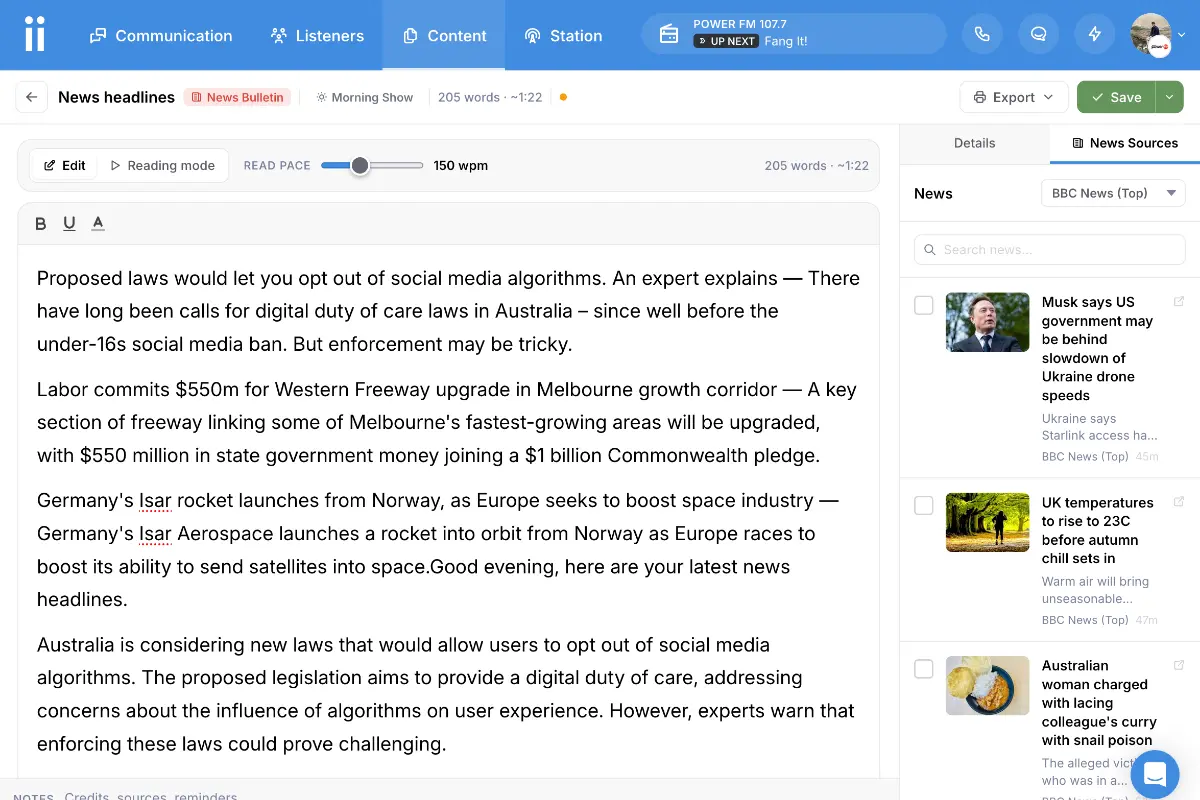
The script editor pulls in your news wire and weather panel as a sidebar. Select the stories or forecast you want to cover, hit Generate AI script, and get a broadcast-ready bulletin written in seconds. Every script shows a word count and estimated read time so you can plan your segments accurately before going live.
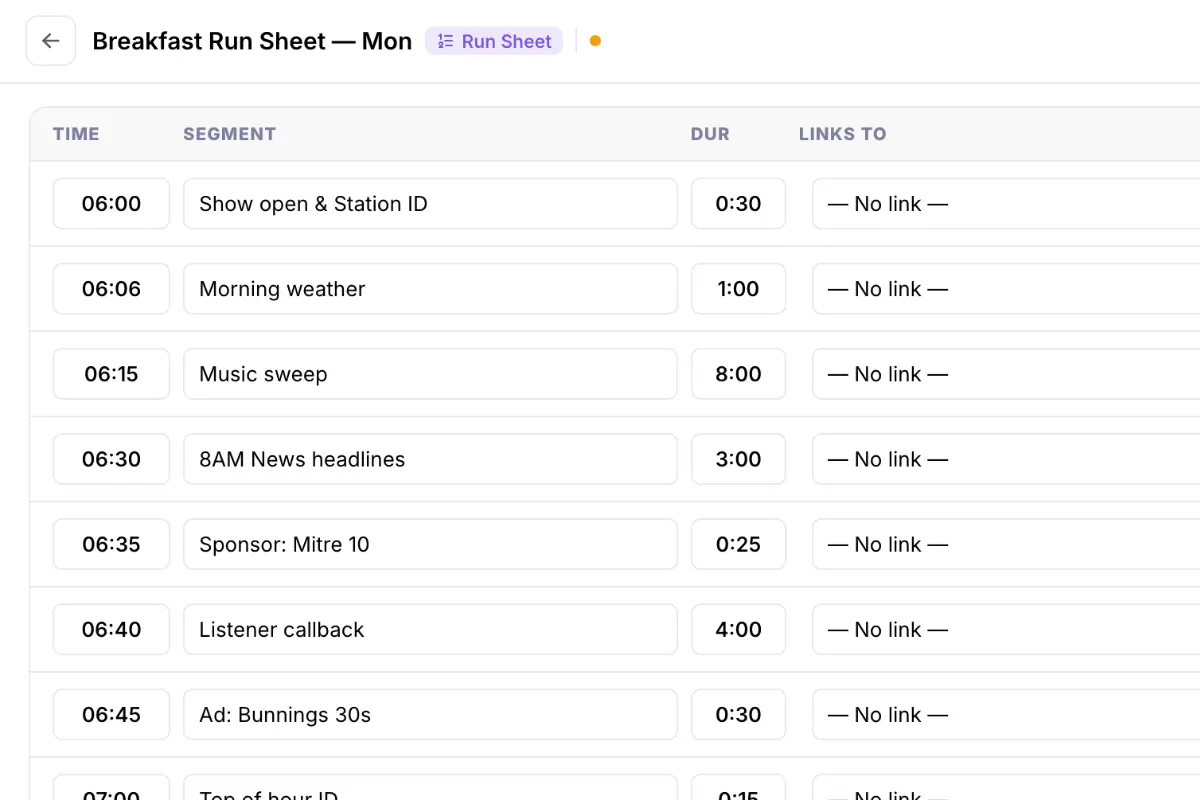
Build a row-by-row plan with start times, segment durations, and direct links to scripts, ad reads, CSAs, or audio files. Auto-calculated segment times mean the whole show stays in sync as you add and move content — and the full sheet exports to PDF for the studio floor.
When a presenter opens a script in the Studio Panel, they get a full teleprompter view: words highlight one at a time in sync with their reading pace, the page auto-scrolls, and font size and WPM speed are adjustable on the fly. No separate app. No second screen needed.
Scripts and run sheets built specifically for radio stations and podcasters.
Get StartedCan't find the answer here? Contact us.
Yes. Scripts and run sheets support real-time collaboration, so your team can work on the same document simultaneously without overwriting each other.
Yes. The built-in script reader highlights each word in sync with your reading pace, scrolls automatically, and lets you adjust font size and WPM speed so you can read comfortably on any screen — a full teleprompter, built into the Studio Panel.
Yes. Each row in a run sheet can be linked to any content item in your library — a script, ad read, CSA, news bulletin, or audio file. When a presenter opens the run sheet in the Studio Panel, the linked content is one tap away.
Yes. Any script or run sheet can be exported to PDF for printing, archiving, or sharing with guests and contributors.
Yes. Scripts and run sheets can be scheduled to appear in the Studio Panel always, during a specific show's timeslot, or on a custom date range — so the right content surfaces automatically when it's needed.
Yes. Save any script or run sheet as a template and spin up a fresh copy for your next broadcast in seconds. Templates share the same content library as all other content types.