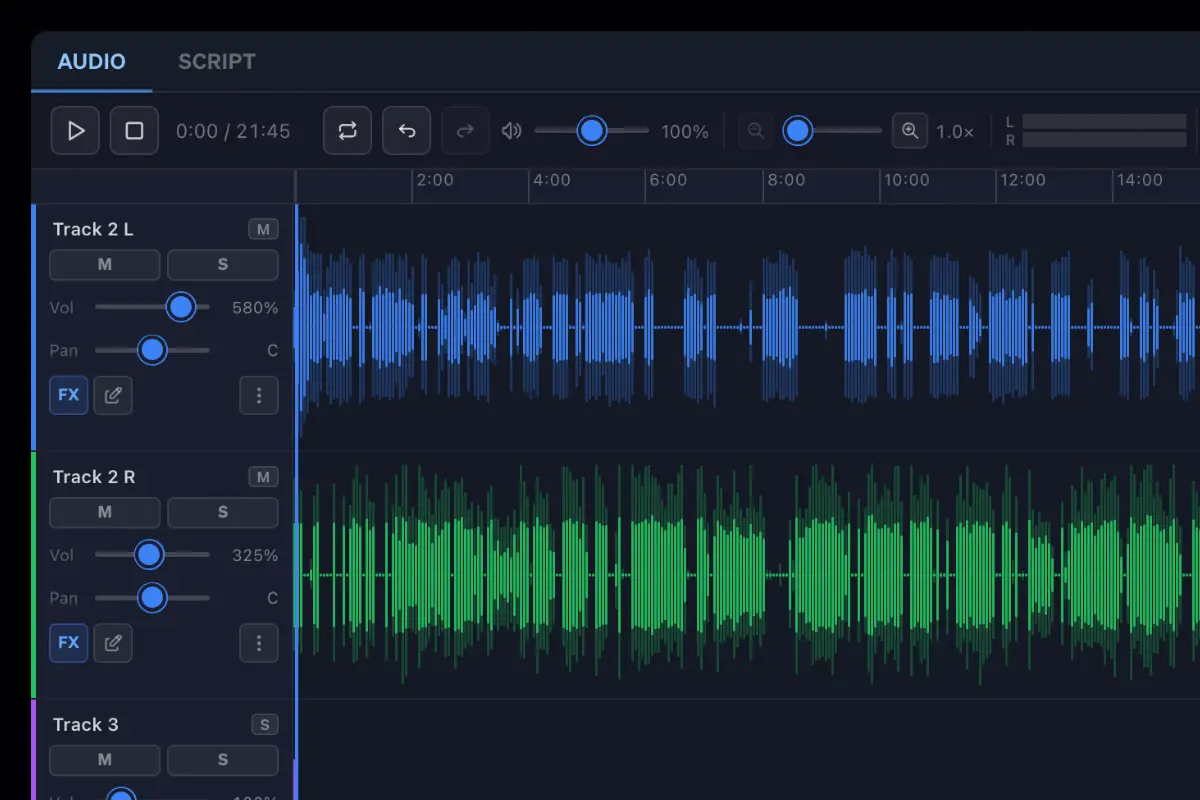
A fully-featured audio editor that runs in your browser. No installs, no plugins — edit from anywhere on any device.
See your audio as a waveform and make precise edits by clicking, dragging, and selecting regions directly on the timeline.
Every file is stored securely in the cloud, accessible to your whole team, from any device, at any time.
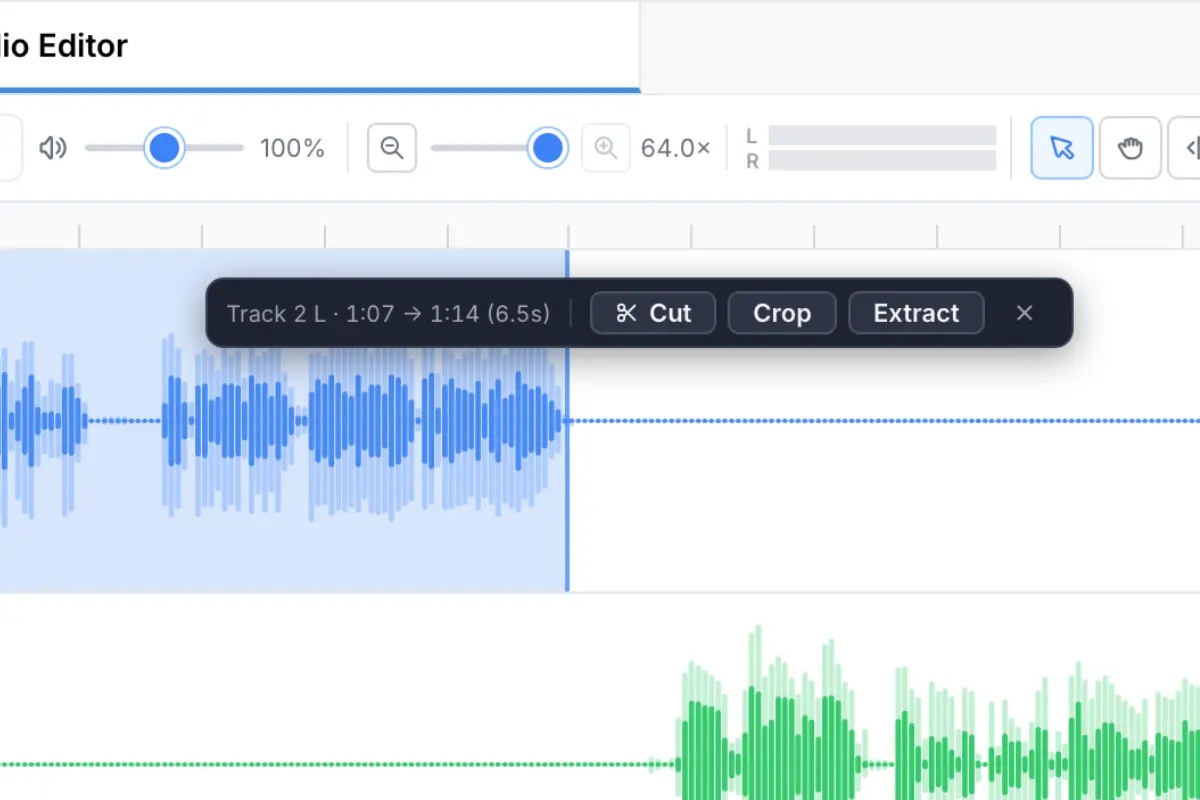
See your audio as a full waveform and make frame-accurate cuts by clicking, dragging, and selecting regions directly on the timeline. Trim silence, split clips, and apply fades without downloading a single file.
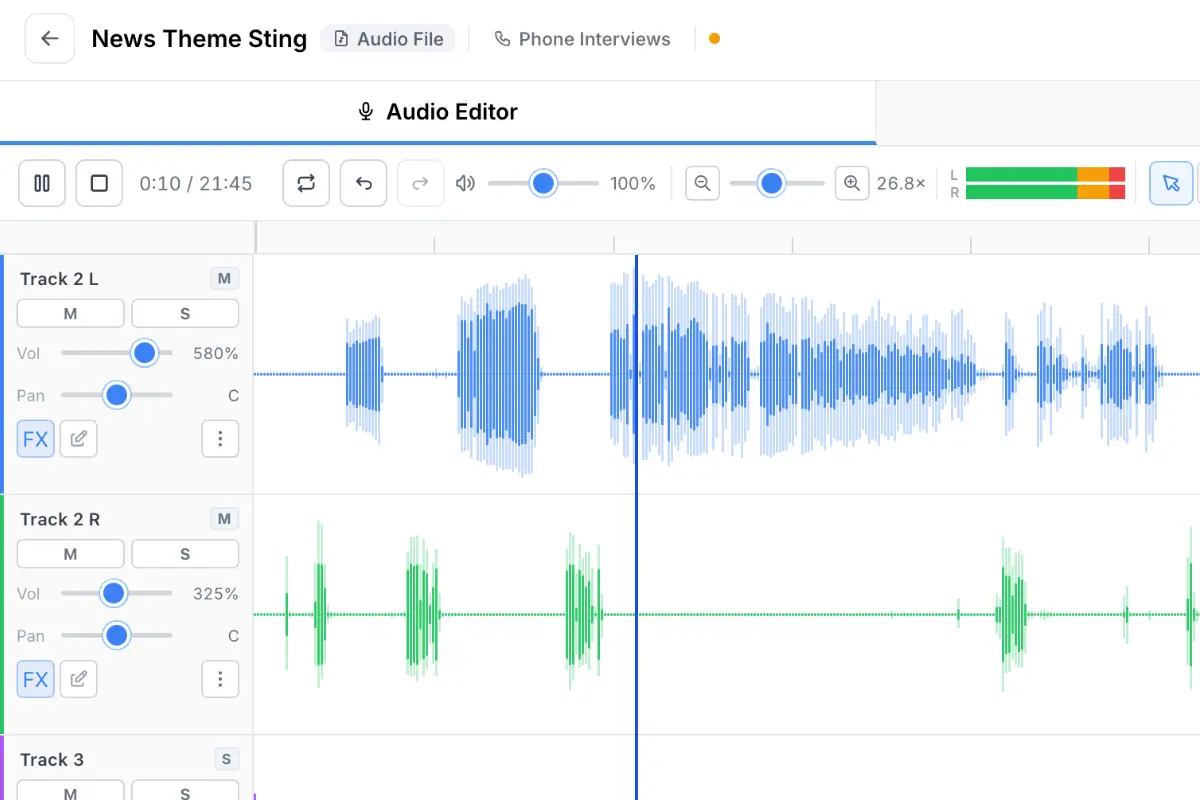
Stack voice recordings, music beds, and stings on separate tracks, then adjust relative volumes directly in the browser editor. Build fully produced segments — jingles, intros, packaged features — without ever leaving your dashboard.
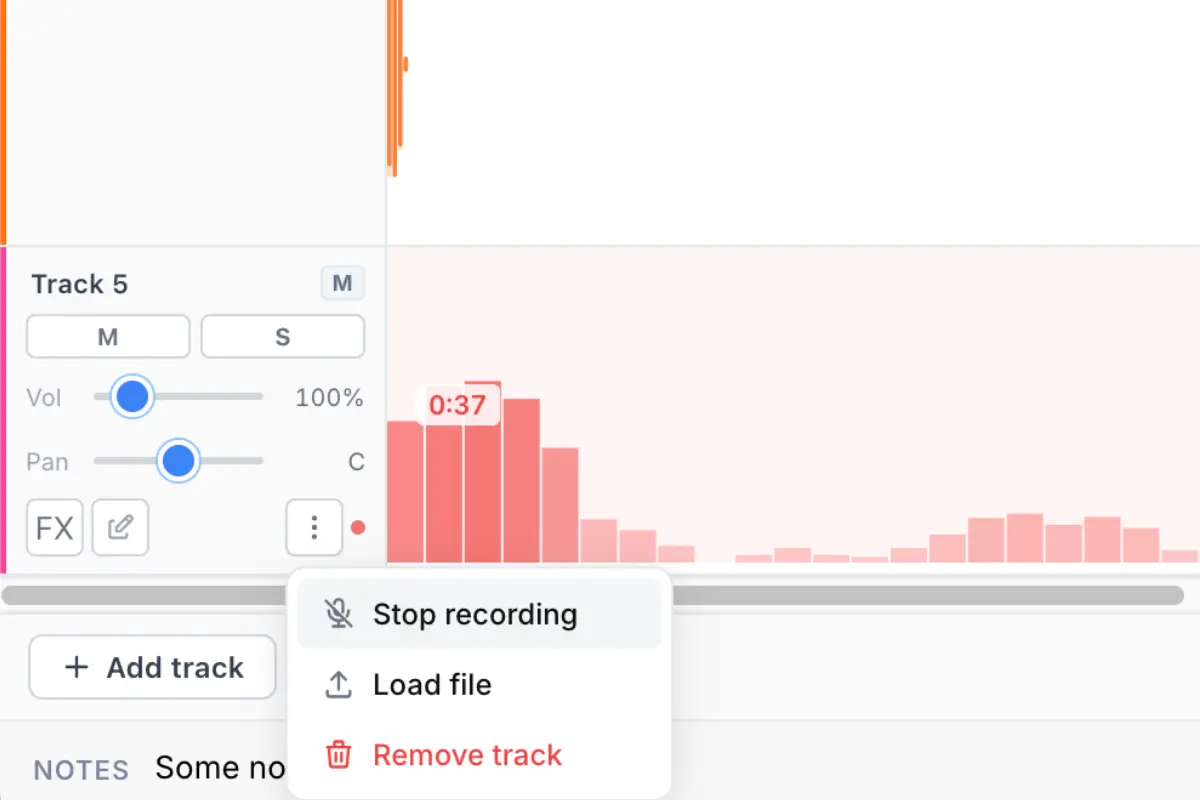
Record a voice track, drop in a music bed, trim it to length, and have a finished clip ready to play out — all without leaving your browser. No file transfers, no waiting. Your recorded audio is available to your team the moment you hit save.
Everything you need to produce broadcast-ready audio without switching apps.
Get StartedCan't find the answer here? Contact us.
No. The audio editor runs entirely in your browser. There's nothing to install or configure — just open your dashboard and start editing.
You can import and export audio in MP3 and WAV formats. Exported files are optimised for broadcast quality.
Yes. The editor supports full undo/redo history so you can step back through your changes at any point during your session.
All audio files are stored securely in the cloud and accessible from any device. You can organise, search, and share them directly from your dashboard.
Yes. Once edited, clips can be shared with team members, embedded in scripts, or published directly to your listeners.
You can export finished audio as MP3 (128, 192, or 320 kbps) or WAV. All exports are optimised for broadcast, streaming, or podcast distribution.
Yes. Clips edited in the audio editor are saved directly to your cloud library, where they can be added to your content schedule and played out from your studio panels without any extra steps.