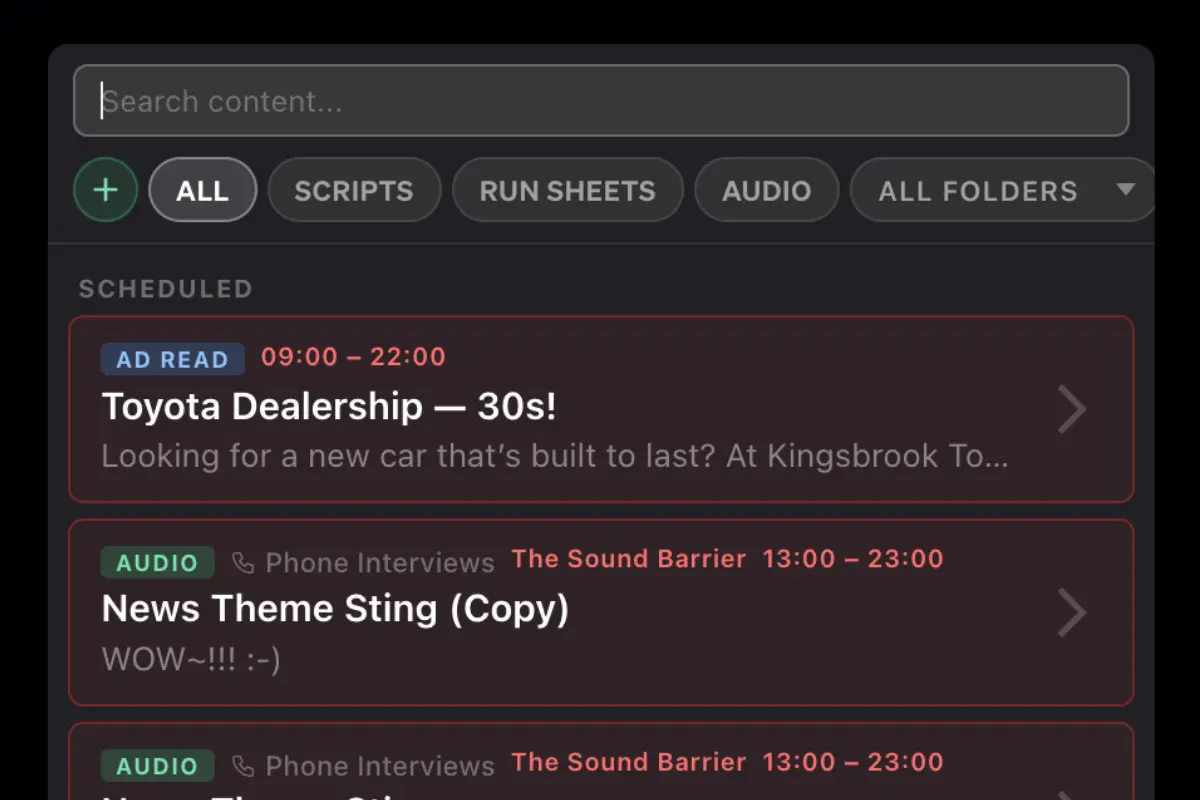
Pin a CSA permanently, schedule it for a specific show's timeslot, or set a custom date range — once or recurring.
Choose whether a CSA appears on all Studio Panels or only specific ones — ideal for multi-studio setups.
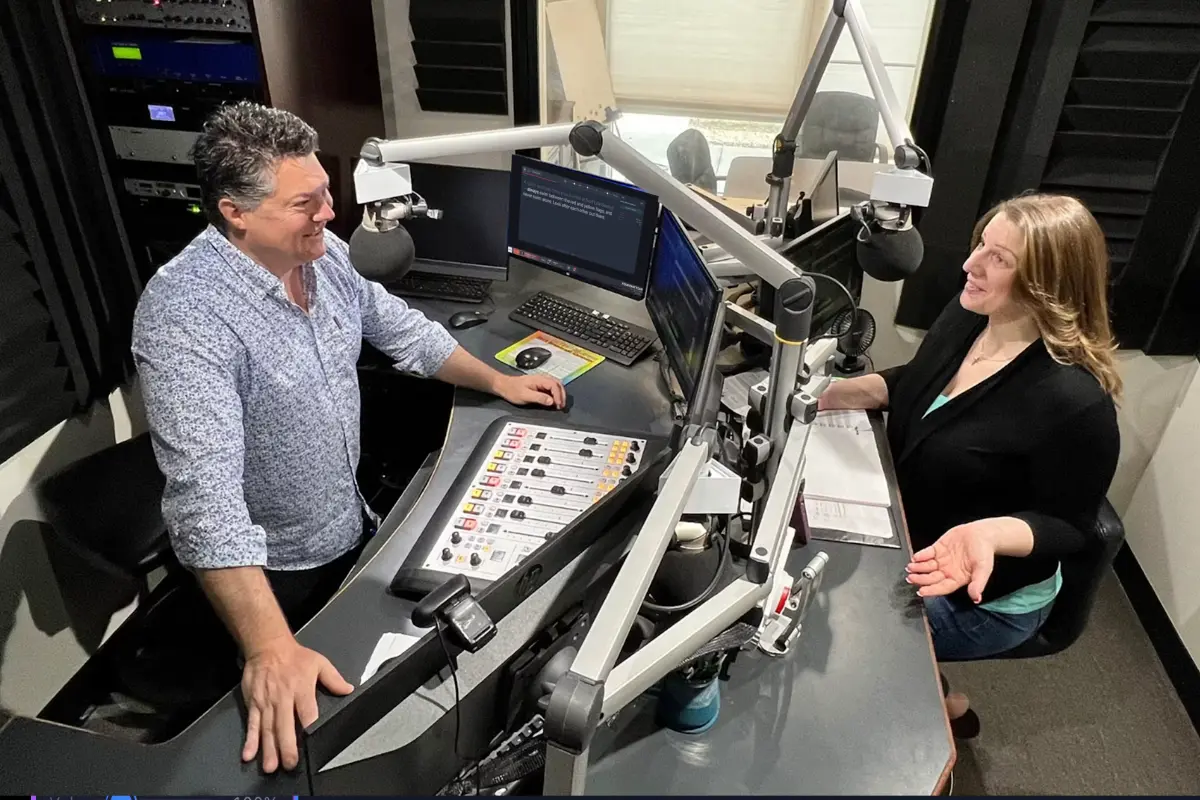
CSAs surface directly in the Studio Panel so presenters can read them live without leaving their broadcast environment.
Create CSAs with start and end dates, recurring weekly schedules, or show-based triggers so announcements surface exactly when they're needed. Organise your library into colour-coded folders — by show, campaign, or sponsor — and filter by type to find the right CSA in seconds.
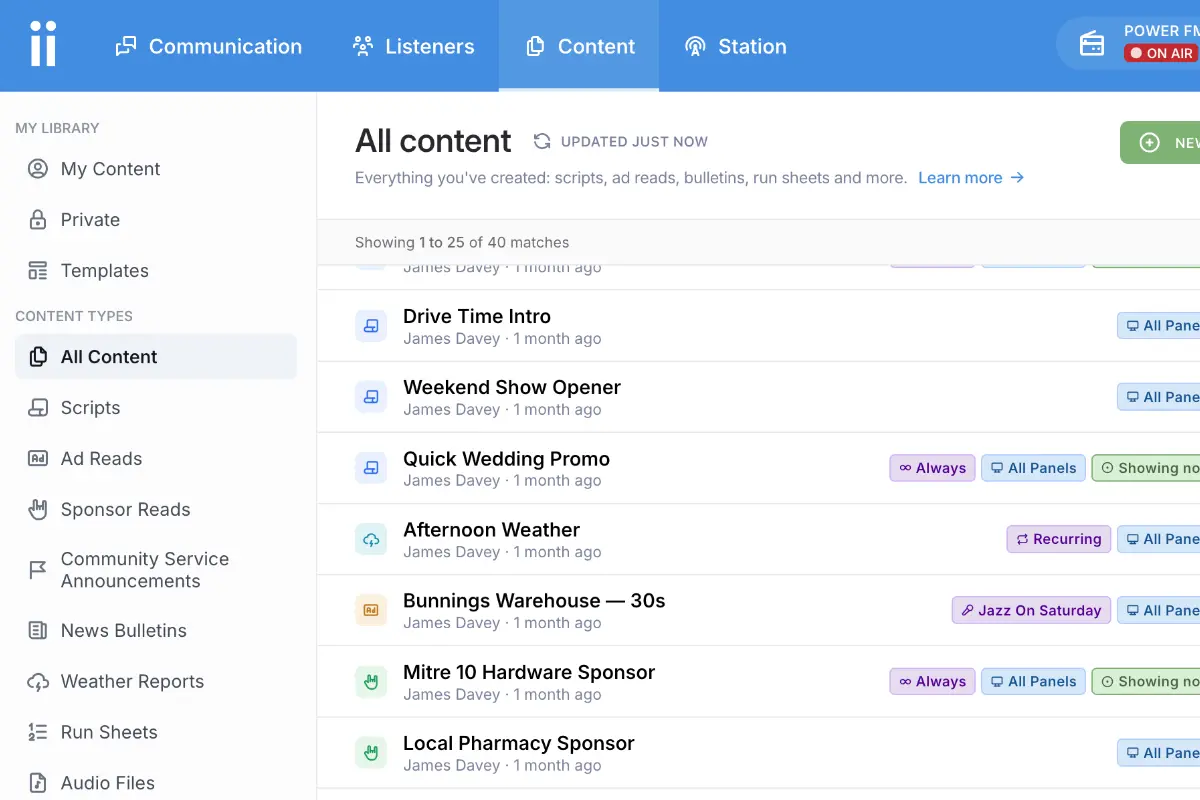
CSAs appear in your presenters' Studio Panel automatically — no screen switching, no hunting through a separate system. Target specific panels so each studio only sees the announcements relevant to their show.
A complete system for managing every community announcement, from routine local events to critical broadcast messages.
Get StartedCan't find the answer here? Contact us.
Yes. CSAs can be set to always show in the Studio Panel, display only during a specific show's timeslot, or run on a custom schedule with a defined start and end date.
Yes. Choose a recurring schedule and pick the days of the week you want the CSA to appear in your presenters' panel. It will surface automatically on those days without any manual action.
Yes. When setting up a CSA you can choose to display it on all Studio Panels, or target it to specific panels only — useful for multi-studio setups where different shows have their own panel.
CSAs live in the same content library as your scripts, ad reads, and bulletins. You can organise them into colour-coded folders — for example, one folder per show, sponsor, or campaign — and filter the list by type to see only your CSAs at a glance.
Yes. Any CSA can be duplicated with one click. Adjust the copy, scheduling, or panel targeting on the duplicate and you're ready to go — without touching the original.
Community radio stations use CSAs for a wide range of messages: legal notices, emergency weather warnings, public health updates, road closure alerts, local government notices, event promotions, and charity fundraising drives. Any time-sensitive or recurring message that needs to reach your audience reliably is a good fit.
CSAs you schedule appear directly in your presenters' Studio Panel — no extra screen or app needed. Presenters can read them live without interrupting their workflow or leaving the broadcast environment.